
m2m.ma
Solutions

Your customs files calculated from the client's invoice

Client invoice read by AI, an HS code suggested for each item, duties, taxes and fees calculated, required documents and client invoicing.

Why a tool for customs brokers

A customs broker receives invoices in every language and currency, often as photos. Retyping the items, looking up the tariff heading, converting amounts, adding freight and insurance, working out duties and VAT, then gathering the documents takes hours per file. A platform that reads the invoice and prepares the calculation leaves the broker what matters: checking, deciding and declaring.

Customs and AI
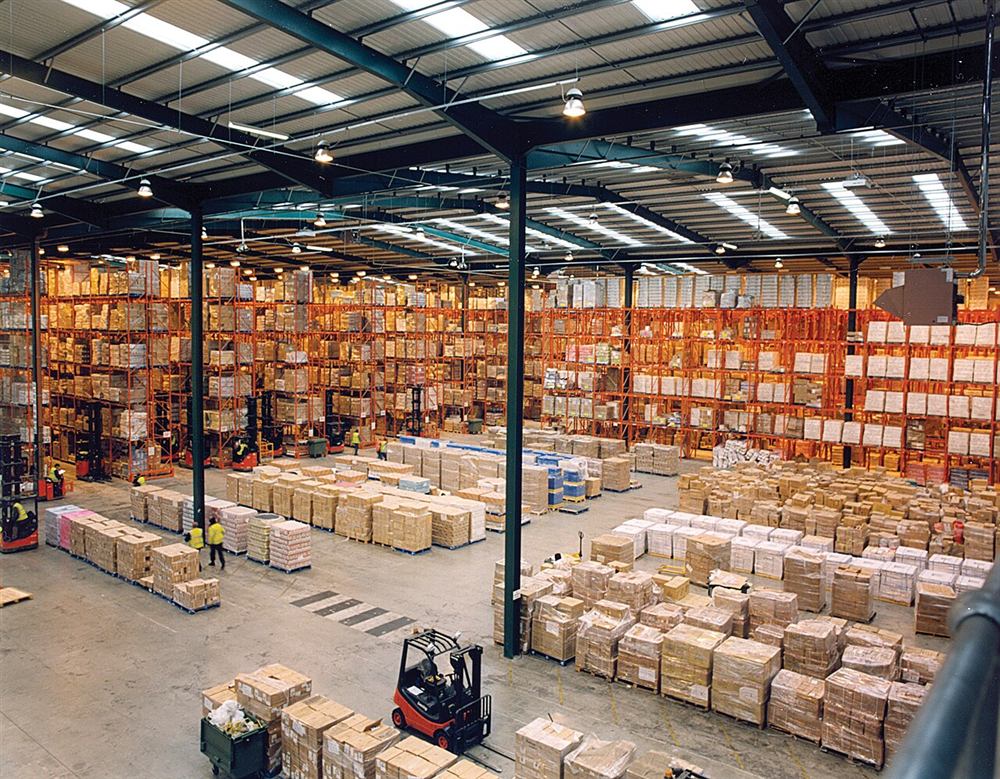
Photo : Axisadman, CC BY-SA 3.0
Customs and AI

What the platform does

  • One space per brokerage firm, with its team and roles
  • Commercial invoice as PDF or photo read by AI, item by item
  • HS code suggested with a confidence level, approved or corrected by the broker
  • CIF or FOB customs value according to the Incoterm, currency conversion
  • Import duty, parafiscal tax, import VAT, disbursements and fees
  • Checklist of documents and permits, documents filed in the case
  • History, archives, Excel export and client invoice in my.m2m.ma
Example: fictitious data

Example table: files handled per month

July38
August31
September46
October52
View the data
ItemCount
July38
August31
September46
October52
In motion

Customs and AI

Fictional exampleAn import file calculated from the invoice
Customs valueDutiesVATFees Declared ✓
AI reads the invoice and suggests HS codes; once approved, the customs value, duties, VAT and fees are calculated.
Customs and AI

How a file works

  1. 1

    Upload

    The broker creates the client file and uploads the commercial invoice, as PDF or photo.

  2. 2

    Classify

    AI reads the items and suggests an HS code for each. The broker approves or corrects: nothing is calculated without approval.

  3. 3

    Calculate

    The customs value, duties, taxes and fees are calculated with the firm's dated and sourced rates.

  4. 4

    Invoice

    The file is declared, the calculation is frozen, and the client invoice is created in my.m2m.ma.

From invoice to file in minutes

The client sends the commercial invoice by email or as a photo. The broker uploads it to the file and AI reads every line: description, quantity, value, currency, origin, Incoterm, and freight and insurance when they appear on the invoice. The file fills in without retyping, and the document stays filed with the other papers.

Each item gets a suggested Harmonized System code, with a short reason and a confidence level. Low confidence draws the broker's attention to the items to check first.

The broker stays in control

An AI suggestion is never a decision. Until an item is approved, it is left out of the calculation. The broker accepts the suggested code or corrects it, and the history keeps a record of every approval and every correction.

Rates that are set, dated and sourced

Import duties, the parafiscal tax, import VAT and exchange rates are the firm's own data, with an effective date and a source. A rate that has not been confirmed in the tariff in force is flagged "to check" in every calculation that uses it. The platform never presents a rate as official without its source.

Every amount in the file

The calculation starts from the invoiced value, adds or removes freight and insurance according to the Incoterm, converts to dirhams, then applies duties and taxes item by item. The firm's fees are added: disbursements re-invoiced without VAT, and fees and services with VAT.

  • CIF customs value for imports, FOB for exports
  • Import duty and parafiscal tax per heading
  • Import VAT on the value plus duties
  • Disbursements, fees and the total to invoice the client

Documents, archives and invoicing

The list of required documents fills in from the firm's rules and the AI's suggestions: certificate of origin, sanitary control, conformity with standards, licences. Each document received is ticked and filed in the case. Once declared, the file is frozen, and the client invoice is created as a draft in my.m2m.ma invoicing, with the same account.


douane.m2m.ma

Your customs files on douane.m2m.ma

Client invoice read by AI, HS codes approved by you, duties, taxes and fees calculated with your rate table, document checklist, archives and the client invoice in my.m2m.ma. Plans of 300, 600 or 1,800 files per month, from 1,000 DH excl. VAT per month for 300 files, or custom; monthly, or yearly with a 10% discount. Free trial of 100 files with your m2m.ma account.